Swandant builds independent software.
Reality
Capture
We convert FARO laser scans into open point cloud formats and bring archived scan projects back into use. The work runs on Albireo, our own engine, without SCENE.
2mm
99.99 to 100 % of shared points fall within 2 mm of the reference export written by SCENE LT.
0.005mm
Median difference to SCENE on four of six test sites, at the 0.01 mm precision limit of PTX.
100+million
Points checked one by one against SCENE LT exports of the same scans.
120 to X 330
Focus3D 120 to X 330: five scanner models, raw and SCENE-processed files.
Scans in, open point clouds out.
Laser scan archives often sit in a format that only one vendor's software opens. We read those files directly and return formats that every point cloud tool understands.
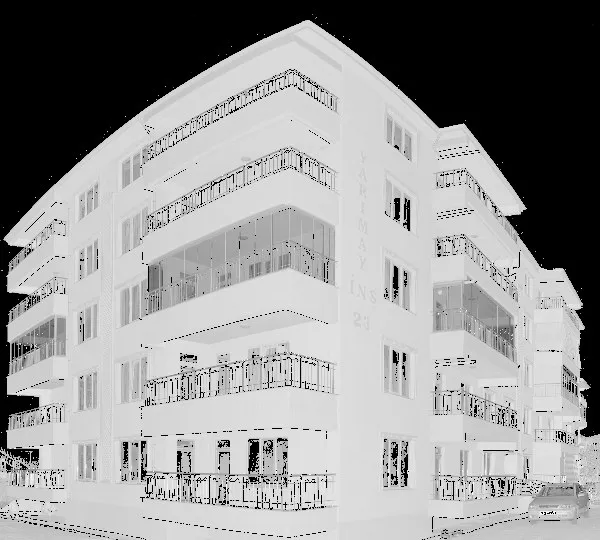
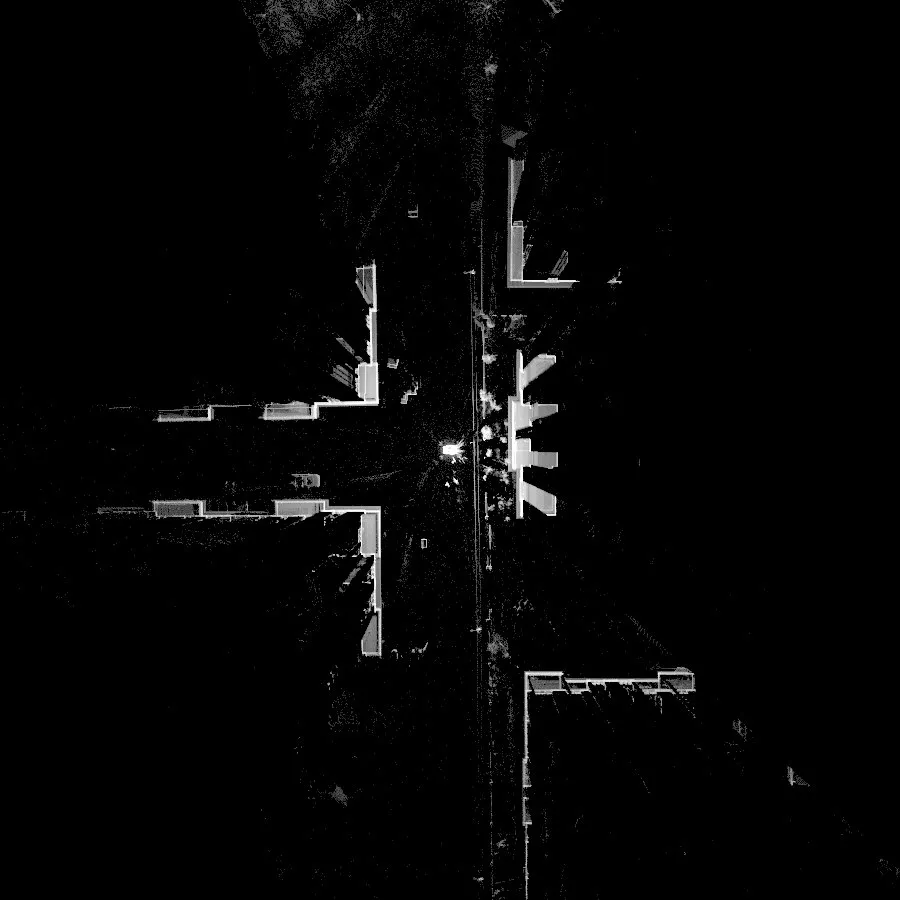
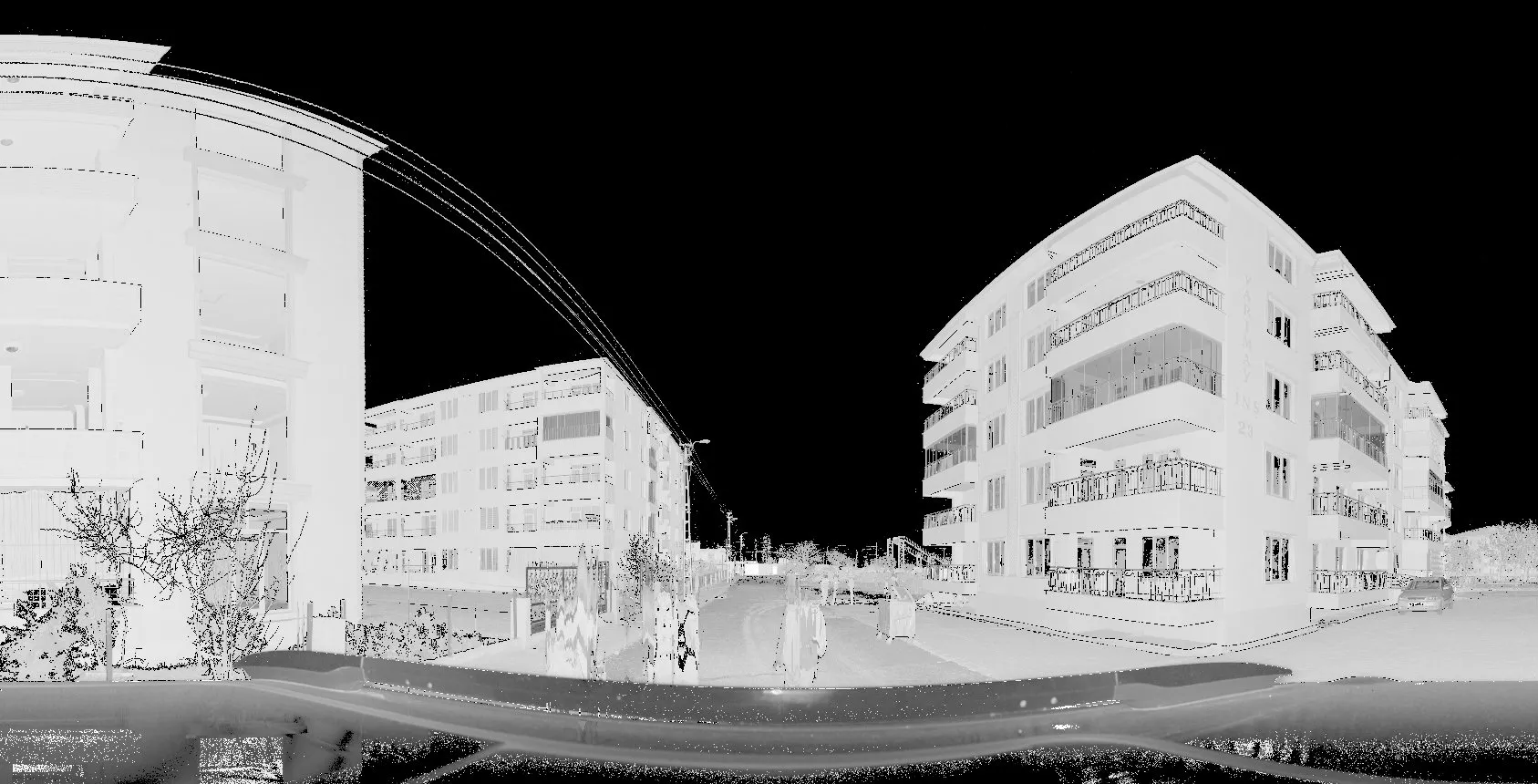
Albireo
The engine behind our services. We wrote our own reader for FARO .fls files instead of licensing one, so conversions run on our machines without SCENE and without Windows.
Every accuracy figure on this site comes from comparing Albireo's output with exports that SCENE LT wrote from the same scans. The scanner table, the method and the limits we have not solved yet are published on its own page.
- Reads
Raw and SCENE-processed .fls, iQLib 4.8 to 7.5
- Writes
E57, LAS 1.2, PTX
- Runs
Command line, no Windows, no SCENE
- Checked against
SCENE LT exports of the same scans
Albireo is the double star at the head of the Swan.
How a job runs.
No account and no upload portal. A link to your files and an email address are enough to start.
- 1
Share a link
Put the .fls files or the whole project folder on any transfer service and send us the link with the form below.
- 2
We read and check
Albireo reads each scan. We note the scanner model and file version, and anything that did not read cleanly. If a scan needs a reference we do not have, we say so before delivering.
- 3
You receive open files
E57 by default, LAS or PTX on request, one file per scan. The download link arrives in the email that confirms your address.
Send us a scan, get it back as E57.
Share a link to one or more .fls files. We read them with Albireo, convert them and email you a link to the result. Four short steps, the first one is all we need to start.